

How to Play and Bet at Olympia in Australia
Olympia brings together casino games in one place, available around the clock for Australian players of all experience levels. You can head straight into slots, crash games, and live dealer tables. Every session is built around entertainment, with responsible gaming tools available to help you stay in control. Whether you are just getting started or already know how to bet, the platform is built to keep things straightforward.
How to Start Playing Casino Games at Olympia
The casino section on Olympia is accessible as soon as your account is set up and funded. Here is how to get into the games quickly.
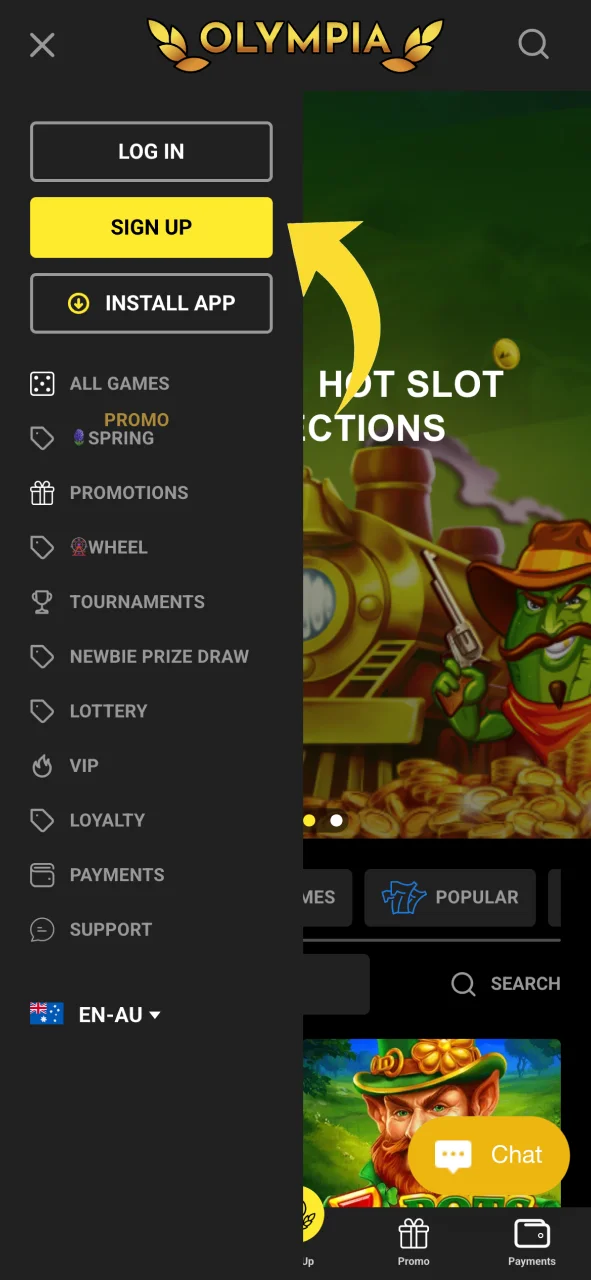
Sign Up
Click the Sign Up button on the official website and create your personal account by entering your details and confirming your email.
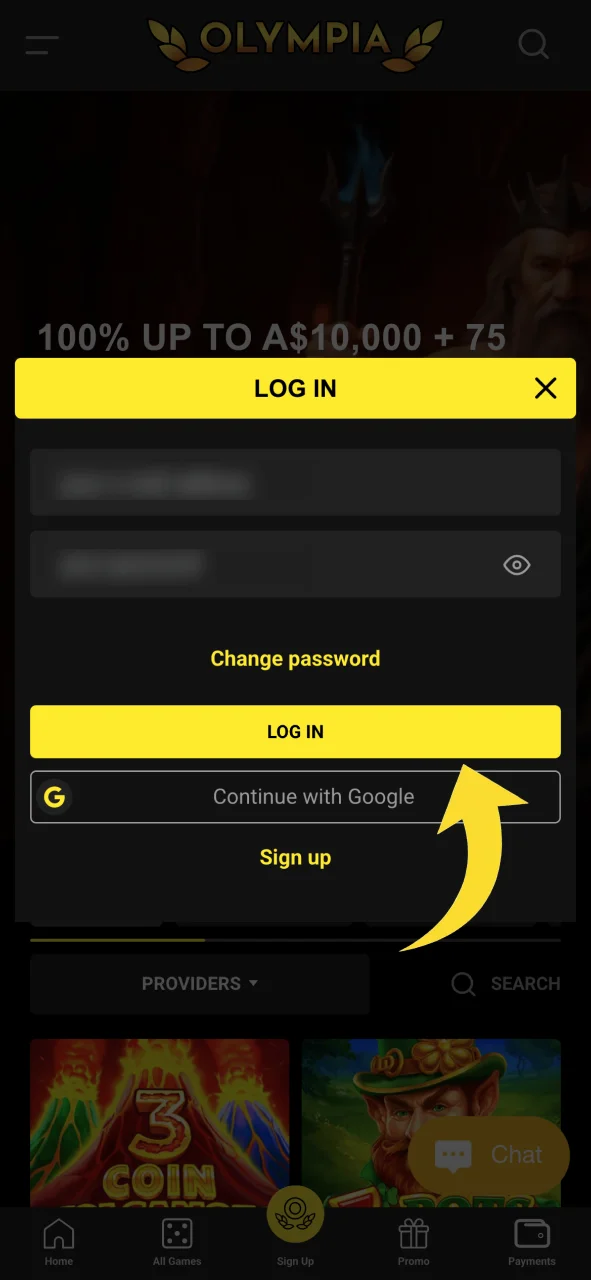
Log In
Use your credentials to log in and access your account dashboard.
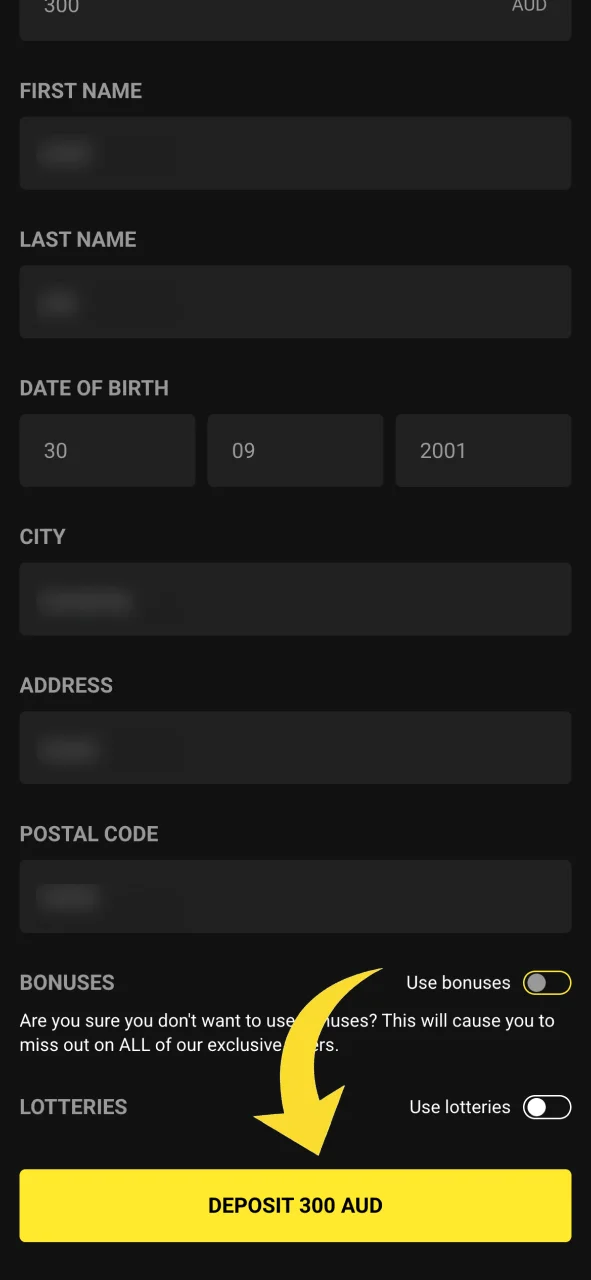
Deposit Funds
Go to the Cashier section, select a deposit method, and add funds to your account.
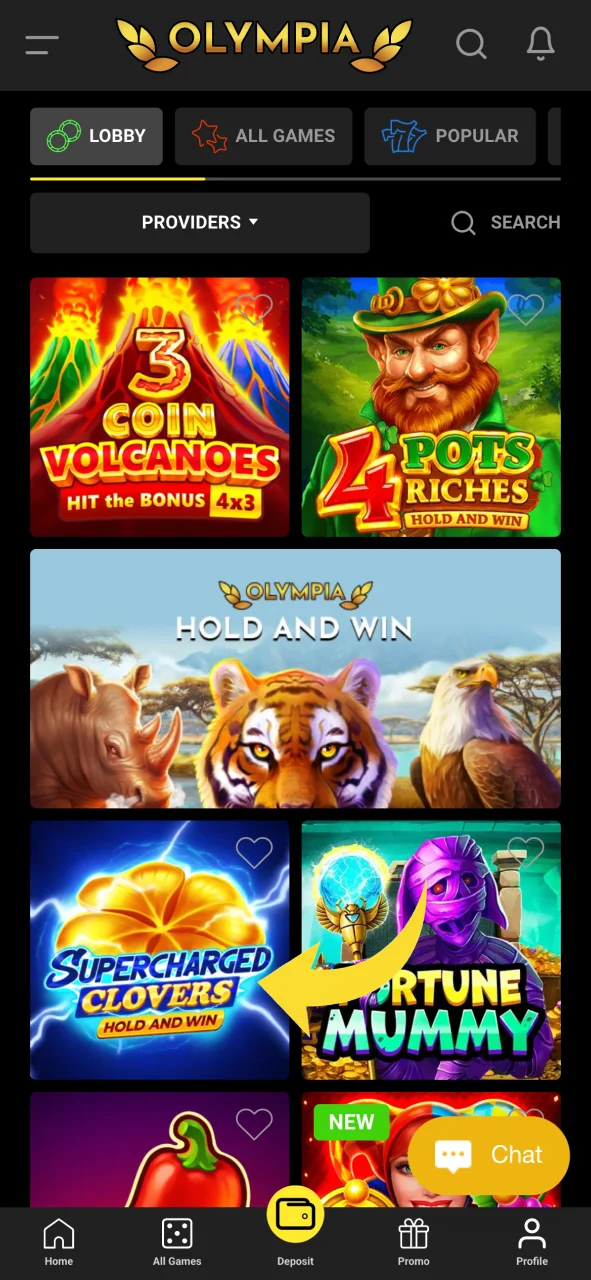
Navigate to Casino
Select the Casino tab from the main navigation. Browse by category, including slots, crash games, or live dealer games, and click on any title to launch it.
Set Your Stake and Play
Once the game loads, set your preferred bet amount and start playing. Game rules and paytables are available within each game interface.
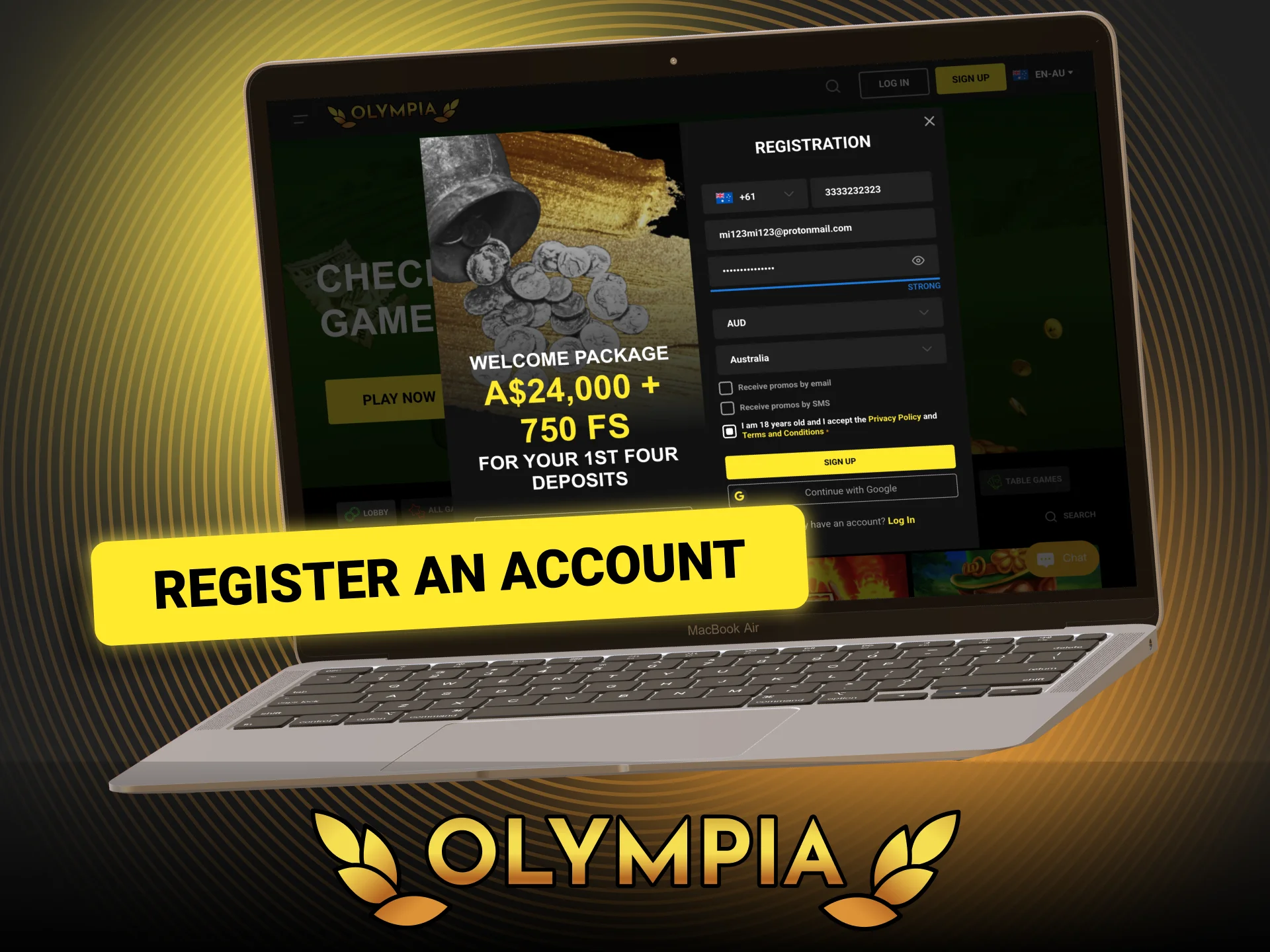
How to Register an Account at Olympia
Registration on Olympia takes only a few minutes. The process is designed to be direct, so you can get to your first session without unnecessary delays.
- Visit the Official Website. Open the Olympia website on your browser or through the mobile app.
- Click Sign Up. Locate the Sign Up or Register button on the homepage and click it to open the registration form.
- Enter Your Personal Details. Fill in your full name, date of birth, email address, and mobile number. Choose a strong password for your account.
- Select Your Preferences. Choose your preferred currency and, if applicable, enter a bonus or promo code during the registration process.
- Confirm Your Account. Check your email inbox for a confirmation message and click the verification link to activate your account.
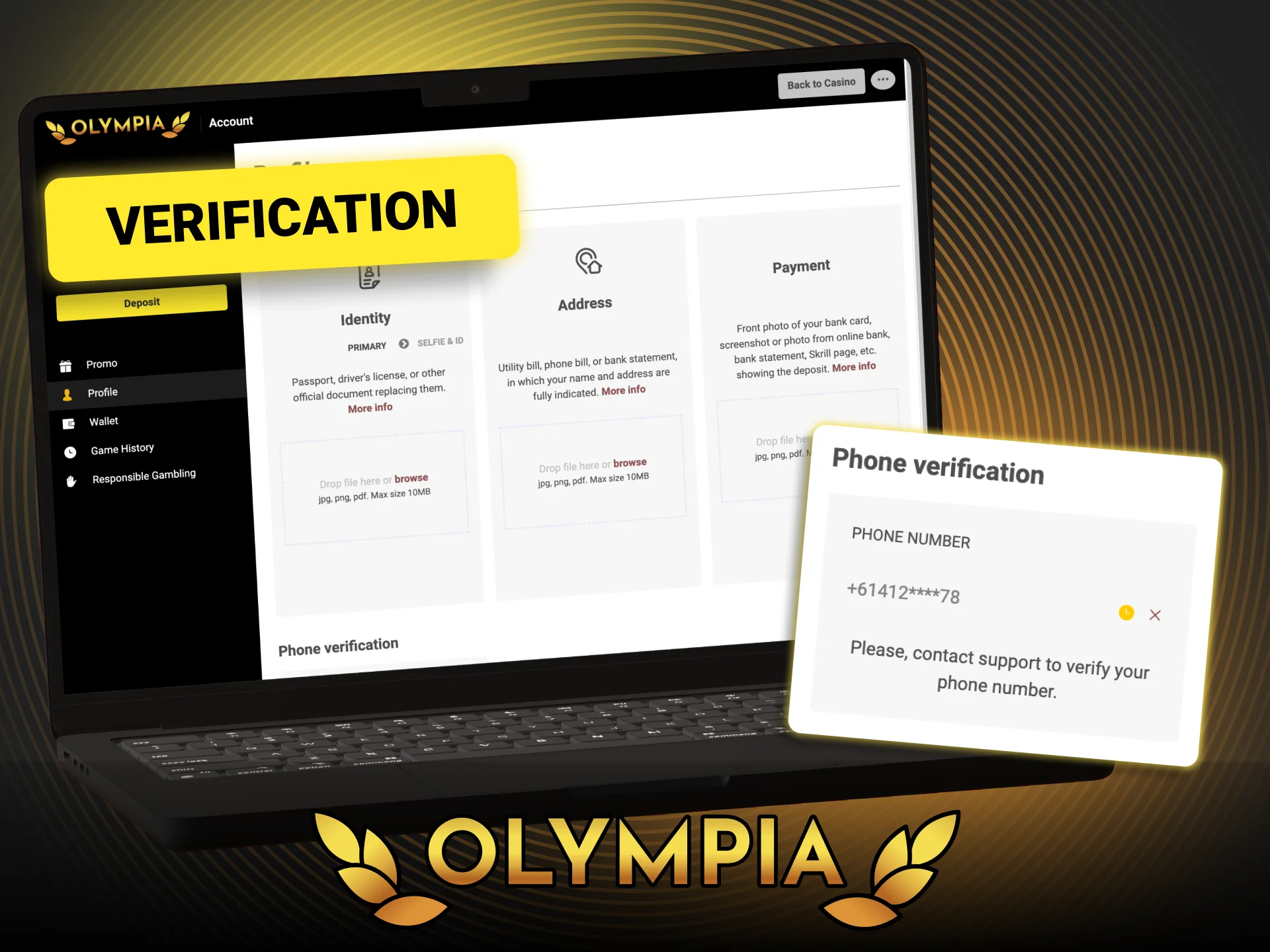
Account Verification Process at Olympia
Verifying your account is a standard requirement that protects your funds and ensures compliance. It is a one-time process that takes effect before your first withdrawal.
- Log In to Your Account. Access your account using your registered email and password.
- Go to the Verification Section. Navigate to your account settings or profile page and locate the identity verification area.
- Upload a Government-Issued ID. Submit a clear photo or scan of an accepted document, such as a passport or driver’s licence, to confirm your identity.
- Provide Proof of Address. Upload a recent utility bill, bank statement, or similar document showing your name and residential address.
- Wait for Approval. The verification team will review your documents. You will receive a confirmation once your account has been approved, typically within 24 to 48 hours.
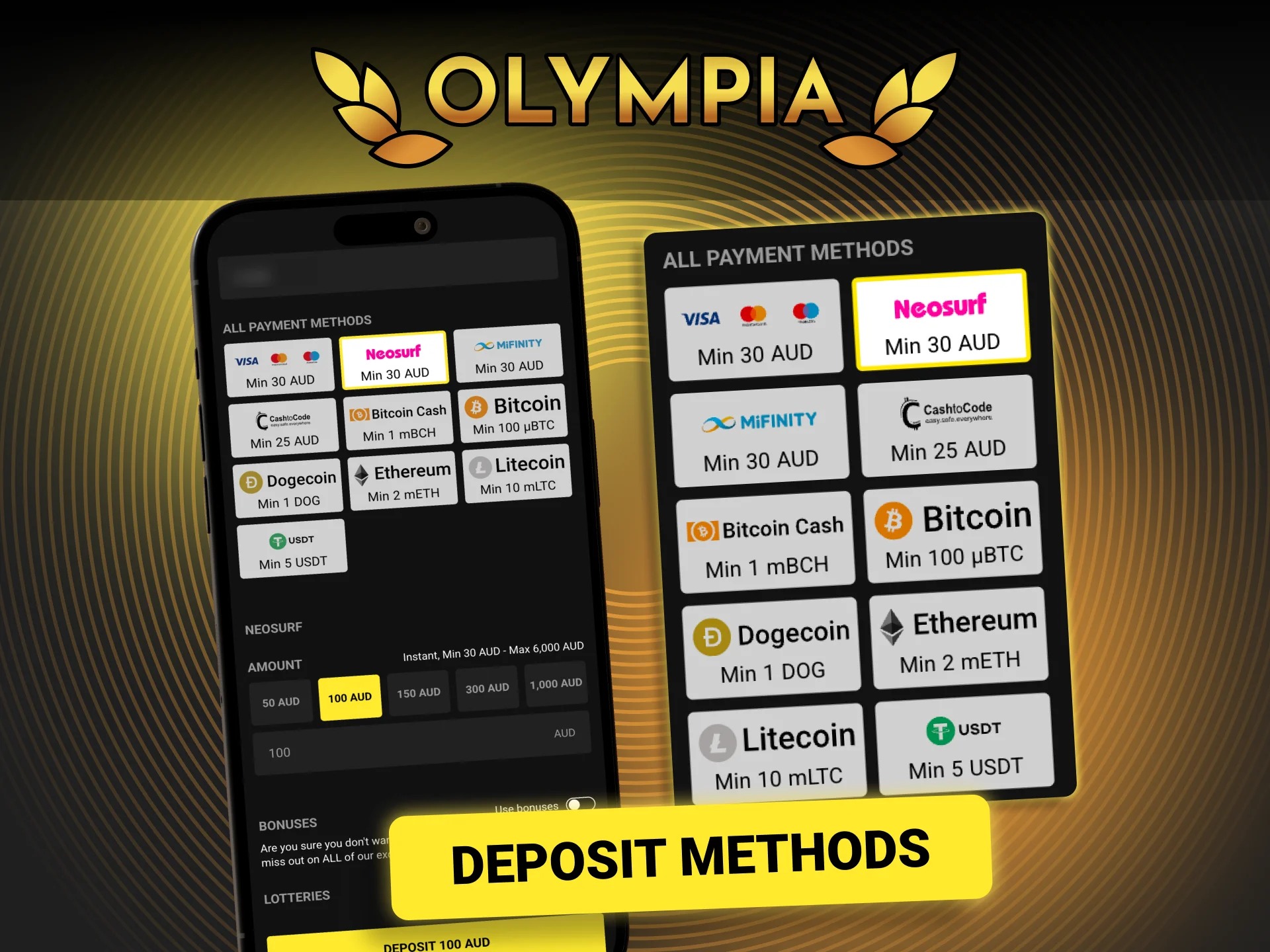
Deposit Methods Available on the Platform
Adding funds to your account on Olympia is straightforward. Multiple payment options are supported to suit different preferences across Australia.
- Log In to Your Account: Sign in using your registered credentials.
- Open the Cashier Section: Click on your account profile or navigate to the Cashier or Deposit tab from the main menu.
- Select a Payment Method: Choose from the available deposit options, such as bank transfer, card, or e-wallet.
- Enter the Deposit Amount: Type in the amount you want to deposit, ensuring it meets the minimum deposit requirement.
- Confirm the Transaction: Follow the on-screen prompts to complete the deposit. Funds are typically credited to your account instantly or within a few minutes.
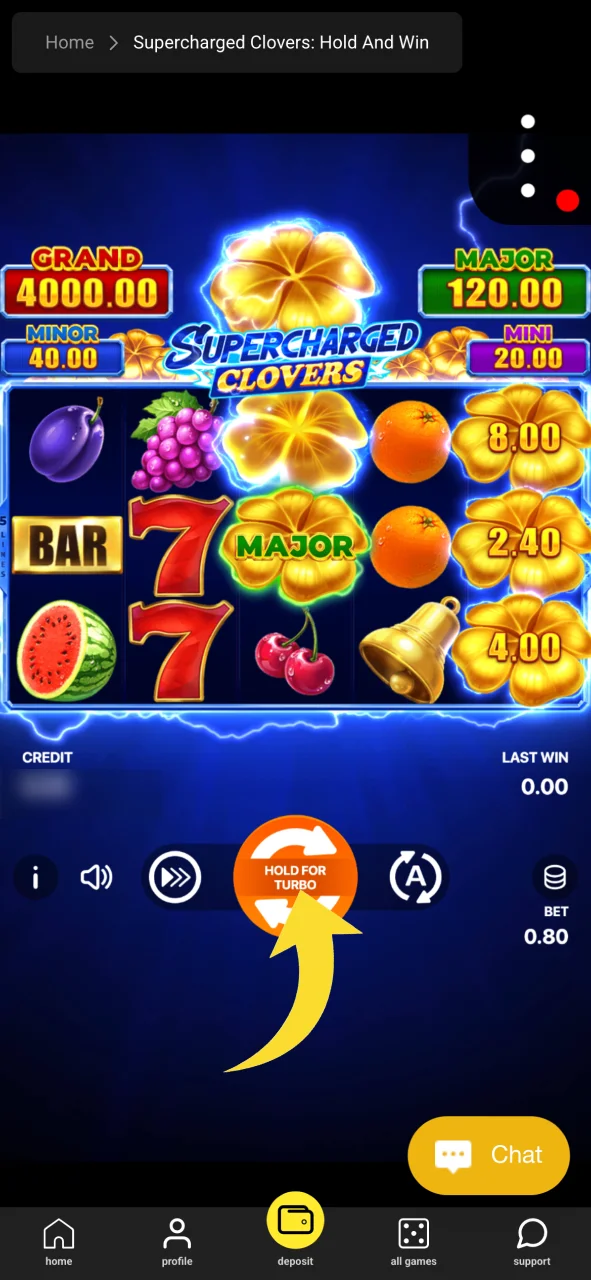
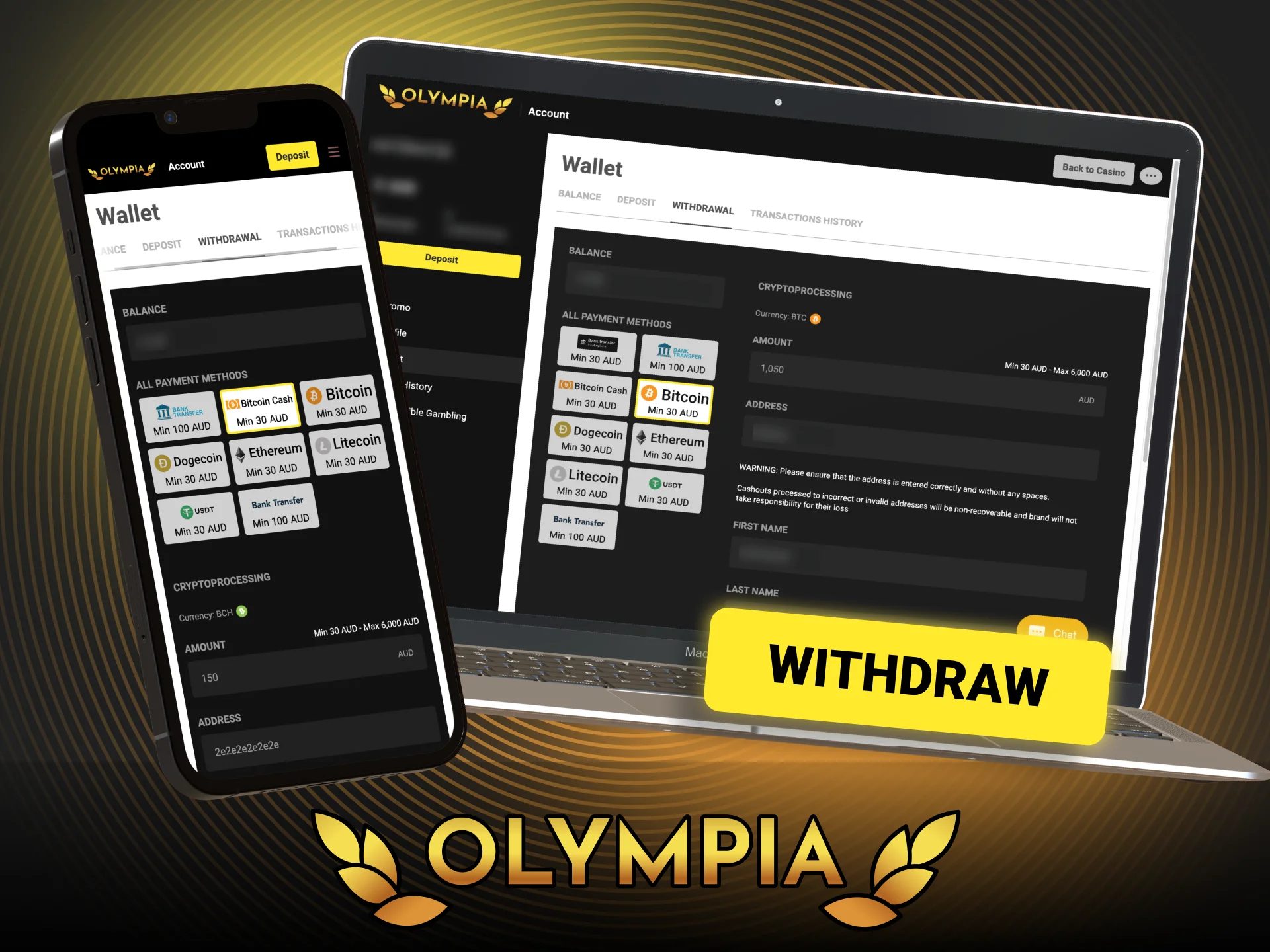
How to Withdraw Money from Your Account
Withdrawing your winnings from Olympia is a simple process. Make sure your account is fully verified before submitting a withdrawal request to avoid delays.
- Log In to Your Account: Sign in with your email address and password.
- Go to the Cashier or Withdrawal Section: Access the Cashier area from your account dashboard and select the Withdrawal option.
- Choose Your Withdrawal Method: Select the payment method you wish to use. In most cases, this should match the method used for your deposit.
- Enter the Withdrawal Amount: Input the amount you want to withdraw, making sure it falls within the allowed limits.
- Submit Your Request: Confirm the withdrawal details and click Submit. Processing times vary by method, and you will receive a notification once the transaction has been completed.
FAQ
Can I bet on Olympia using a mobile device?
Yes. The platform is accessible on mobile through a dedicated app as well as a browser-based version. Both options give you full access to casino games, and your account settings.
Is there a minimum deposit amount?
Yes, a minimum deposit applies depending on the payment method selected. The exact amount is displayed in the Cashier section when you choose your preferred option.
Are there limits on how much I can withdraw?
Yes, withdrawal limits apply and vary by payment method. You can find the specific minimum and maximum amounts listed in the Cashier section under the Withdrawal tab.
Updated:
Comments