Step 1: Tap the Download Button
Find the Download App button at the top of this page and tap it. This starts the process directly here on the official site, with no need to visit any external store or third-party source.
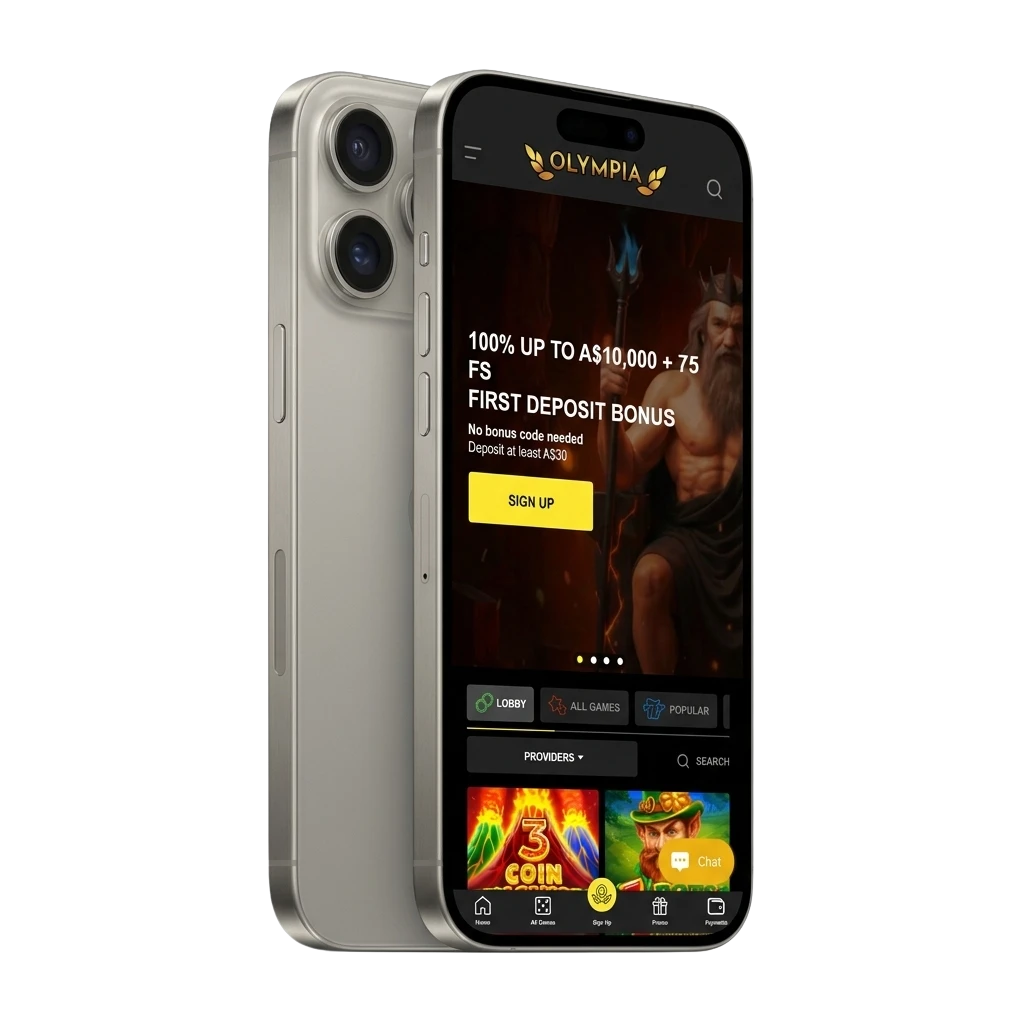
The Olympia app puts real-money casino games and sports betting in your pocket, built for Australian players who want fast access on any device. Install it once and you get a full betting experience without opening a browser. New players receive a 100% matched deposit bonus up to A$10,000 plus 75 free spins just for signing up.
The Olympia application covers both sports betting and casino gaming in a single, well-structured package. It is licensed, free to download, and available to players across Australia. The table below summarises the key details you need before installing.
| Detail | Information |
|---|---|
| App Category | Sports Betting & Online Casino |
| Licence | Curacao eGaming |
| Supported OS | Android, iOS (PWA) |
| Latest Version | 1.0 |
| Release Date | 2024 |
| Cost of Download | Free |
| App Languages | English |
| Supported Countries | Australia |
| Welcome Bonus – Sports | 100% up to A$10,000 |
| Welcome Bonus – Casino | 100% up to A$10,000 + 75 Free Spins |
| Bet Types | Single, Multi, System, Live In-Play |
| Customer Support | 24/7 Live Chat, Email |
The interface is clean, dark-themed, and designed for quick navigation between sports markets and casino lobbies without excessive scrolling. Every core function, from live betting to cashier, sits within two taps from the home screen.
The Olympia APK is the direct Android installation file that lets you bypass the Google Play Store and install the app straight from this site. Because Google restricts real-money gambling apps in certain regions, the APK route is the standard method for Australian Android users. The file is lightweight, safe, and does not require any third-party software to install. Once downloaded, the setup takes under a minute on most Android devices. All details for the current APK version are listed below.
| Detail | Information |
|---|---|
| App Title | Olympia |
| Version Number | 1.0 |
| Release Date | 2024 |
| File Size | ~35 MB |
| App Category | Sports Betting & Online Casino |
| Developer Name | Olympia |
| OS Compatibility | Android |
| Minimum Android Version | Android 6.0 |
Installing the app on Android takes a few minutes and requires no technical knowledge. Follow the three steps below to get started directly from this page.
Find the Download App button at the top of this page and tap it. This starts the process directly here on the official site, with no need to visit any external store or third-party source.
Once you tap the button, your browser will prompt you to confirm the download. Accept the prompt and the APK file will save automatically to your device’s downloads folder.
Open the downloaded file, grant install permission if asked, and tap Install to complete the setup.
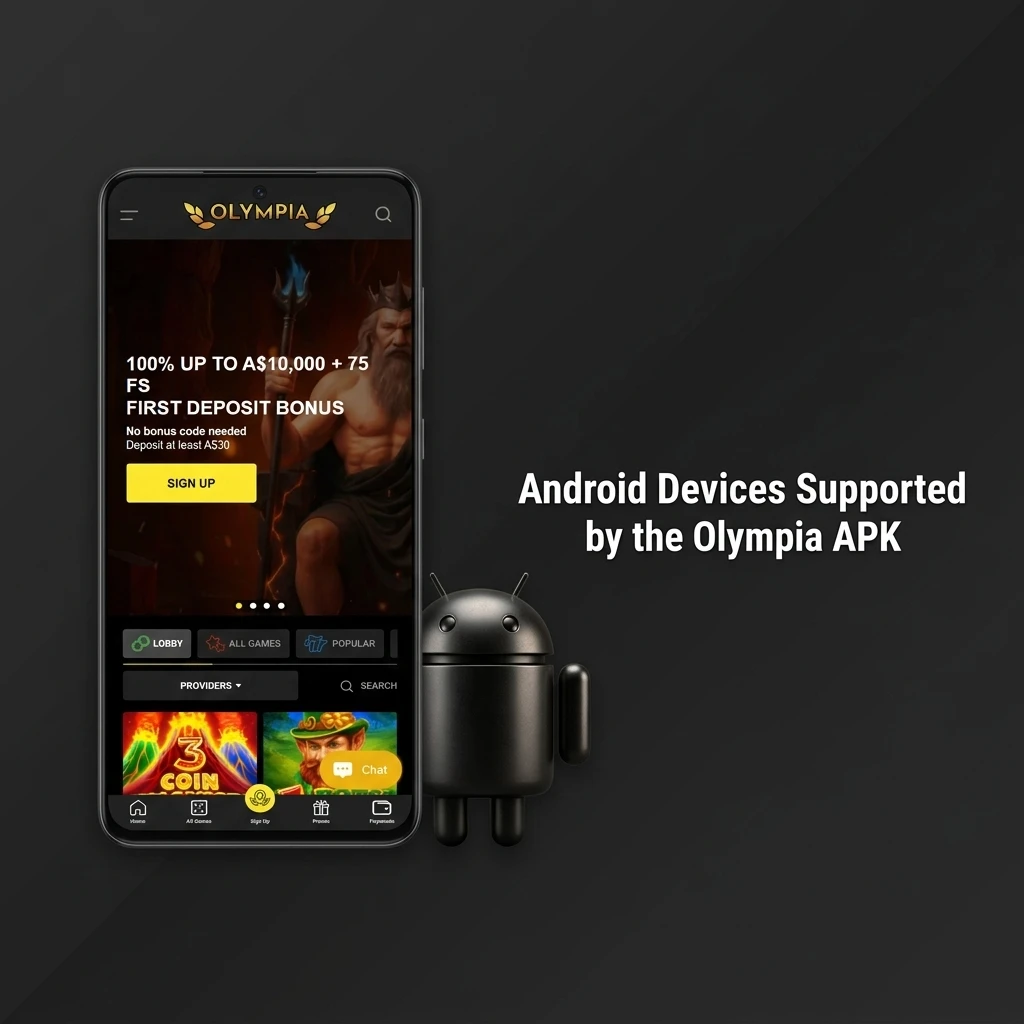
Most Android phones released in the last five years will run the app without any issues. Check the minimum requirements below before downloading to make sure your device is compatible.
| Requirement | Specification |
|---|---|
| Operating System | Android 6.0 or higher |
| RAM | 2 GB minimum (3 GB recommended) |
| Storage Space | 50 MB free space required |
The APK version is compatible with a broad range of Android smartphones and tablets available in Australia. Whether you use a flagship or a mid-range device, performance remains consistent across supported brands. The table below lists confirmed compatible brands and their current popular models.
| Brand | Models |
|---|---|
| Samsung | Galaxy S24, S23, S22, A55, A54, A35 |
| Sony | Xperia 1 VI, Xperia 5 V, Xperia 10 VI |
| Huawei | P60 Pro, Nova 11, Mate 50 Pro |
| OnePlus | 12, 11, Nord 4, Nord CE 4 |
| Oppo | Find X7, Reno 12, A79 |
| Pixel 9, Pixel 9 Pro, Pixel 8, Pixel 8a | |
| Xiaomi | 14, 13T Pro, Redmi Note 13, POCO X6 |
| Poco | POCO F6 Pro, POCO X6 Pro, POCO M6 Pro |
Apple devices use a PWA (Progressive Web App) installation instead of a traditional APK. The PWA works like a native app and sits directly on your home screen. No App Store is needed and the entire setup takes under two minutes from your iPhone or iPad.
Tap the iOS download button on this page to open the Olympia site in Safari.
Enter your login details, or register a new account if you do not have one yet.
In Safari, tap the Share icon at the bottom of the screen to open the sharing menu.
Tap “Add to Home Screen” from the menu, then tap the “Add” button to confirm and save the app icon.
After logging in through the home screen icon, you can access all casino games and sports markets directly from your phone’s desktop.
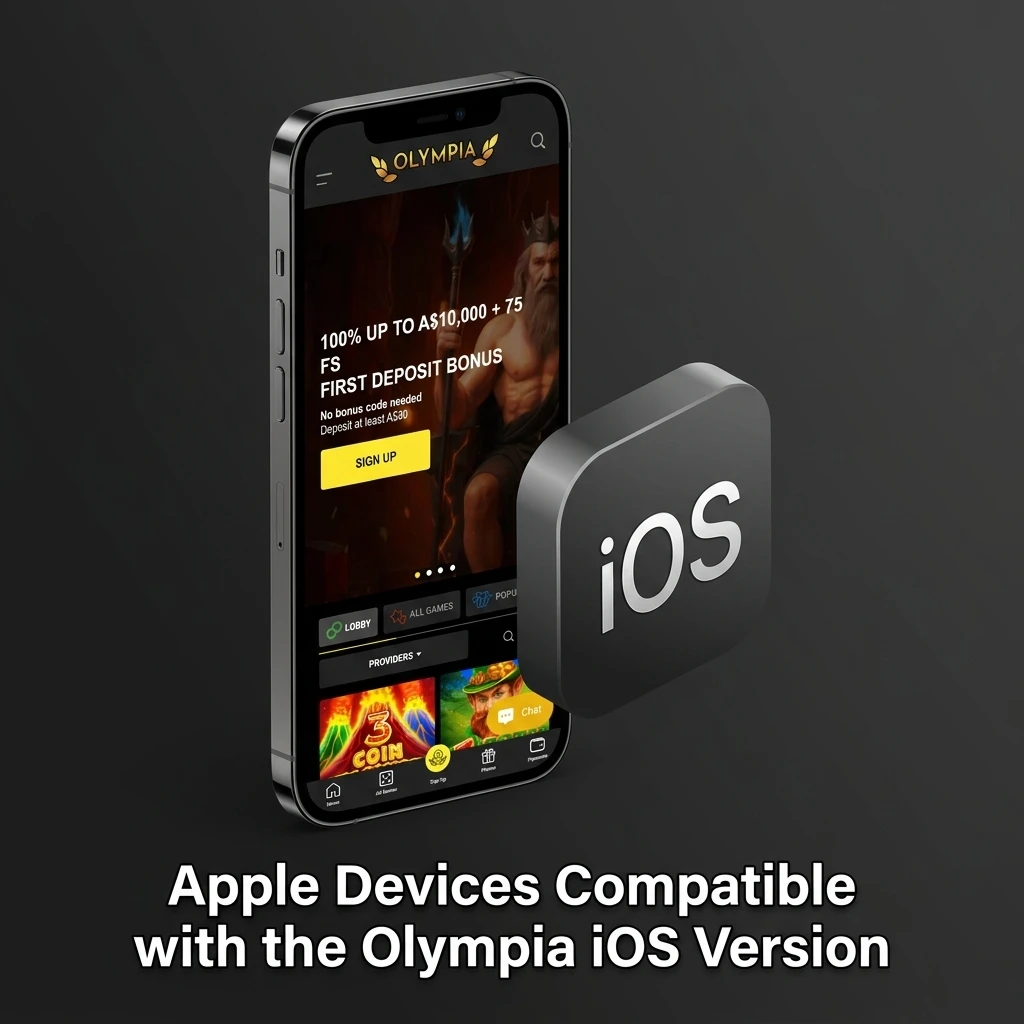
The iOS PWA runs on all modern Apple devices using Safari on iOS 13 or later. Performance is optimised for both iPhone and iPad screens. The table below shows the Apple models confirmed to work without any issues.
| Brand | Models |
|---|---|
| Apple | iPhone 16, 16 Pro, 16 Pro Max, 15, 15 Pro, 15 Pro Max, 14, 14 Pro, 13, 13 Mini, SE (3rd Gen), iPad Pro (M4), iPad Air (M2), iPad Mini (6th Gen) |
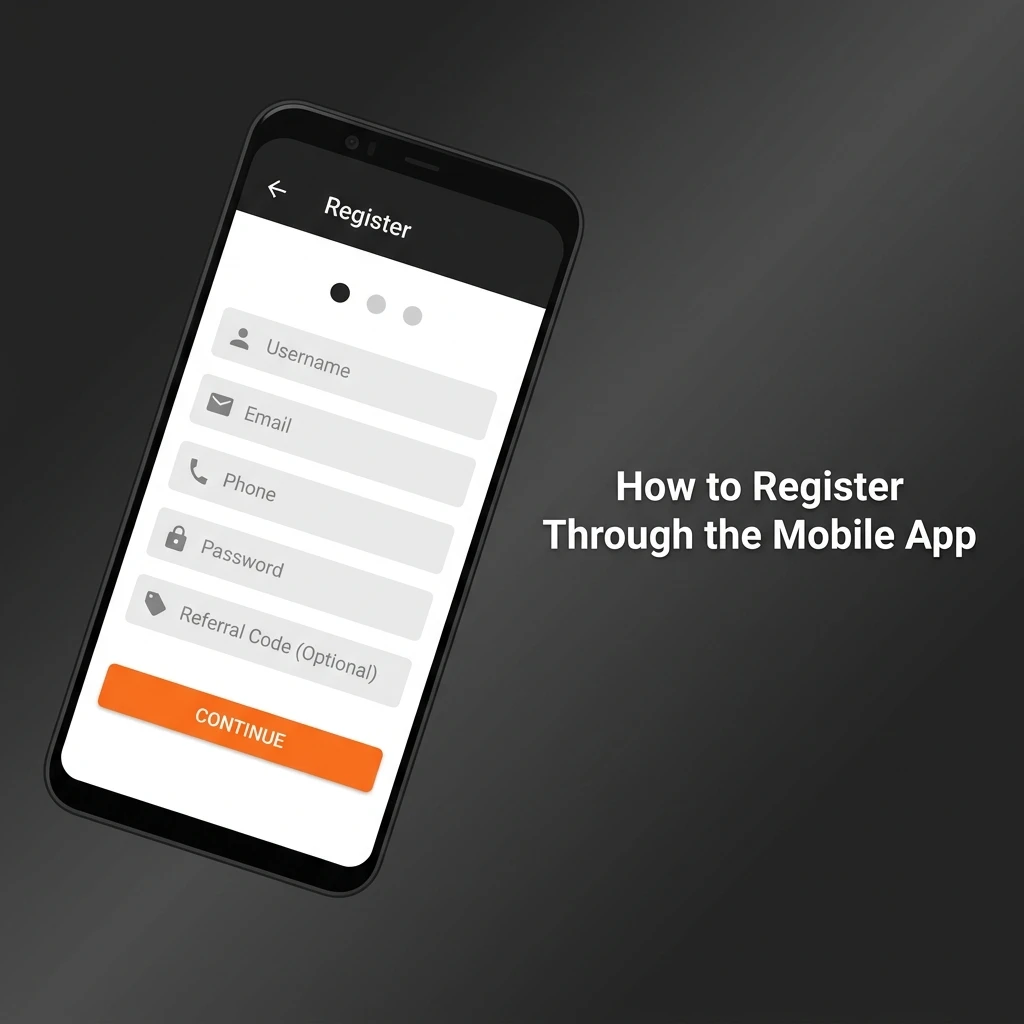
Creating an account through the app takes less than three minutes. Follow the steps below to get registered and start playing.
All registration data is encrypted and processed securely. Verification is required before withdrawals can be processed.
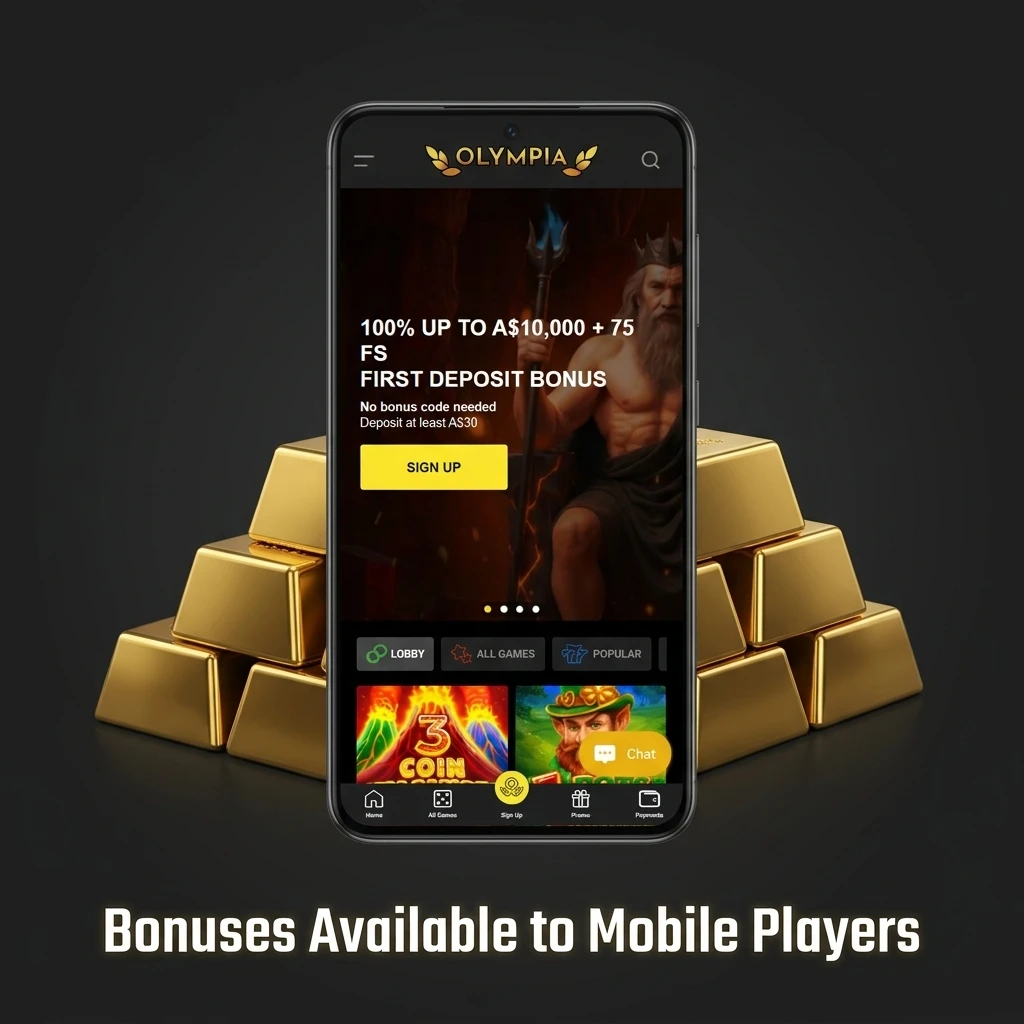
Mobile players access the full range of promotions available on the platform, with no reductions for using the app. The welcome offer is the most valuable promotion for new accounts and applies to both casino and sports betting. Reload offers, free bets, and cashback promotions are rotated regularly and can be claimed directly through the app. All bonus terms, including wagering requirements, are displayed in the promotions section of the app before you opt in.
| Detail | Information |
|---|---|
| Type | Matched Deposit Bonus + Free Spins |
| Amount | 100% up to A$10,000 + 75 Free Spins |
| Terms and Conditions | Minimum deposit required; wagering requirements apply |
| Validity Period | 30 days from activation |
| Eligible Games | Casino slots, live casino, selected sports markets |
| Detail | Information |
|---|---|
| Type | Free Bet |
| Amount | Up to A$50 in free bet credits |
| Terms and Conditions | Applies to sports betting markets; single bets only; minimum odds apply |
| Validity Period | 7 days from issue |
| Eligible Games | Sports betting markets |
For Android users, updating the app means downloading the latest APK file from this page and installing it over the existing version. You do not need to uninstall the current version first; installing the new file will overwrite it and retain your account data. For iOS PWA users, updates happen automatically when you reload the app in Safari, as the PWA always pulls the latest version from the server. It is a good habit to check for a new APK version every few weeks by revisiting this page. The version number in the APK overview table above will reflect any recent update.
Running the latest version protects your account and improves your overall betting experience. Each update typically patches known security vulnerabilities, which reduces the risk of unauthorised access to your account or payment details. Updated versions also improve app stability, which means fewer crashes during live betting or while navigating the casino lobby. New features, additional payment methods, and expanded sports markets are often introduced through updates before they reach the browser version. Performance improvements in newer builds result in faster page loads and quicker bet placement, which is critical when betting on live events where odds change in seconds. Skipping updates can also cause compatibility issues on newer versions of Android, leading to display errors or payment processing failures. Keeping the app current ensures you always have access to the full game library and the latest promotions without any technical barriers.
Placing a bet takes less than a minute once your account is funded.
Tap the Sports tab in the bottom navigation bar and browse by sport, competition, or use the search function to find a specific event.
Tap the odds button next to your chosen market. The selection is added to your betslip automatically, which appears at the bottom of the screen.
Open the betslip, type in your stake amount, review the potential payout displayed, and tap the Confirm Bet button to place the bet.
Your bet is confirmed instantly and visible under My Bets. You can follow live progress from the same section.
For Android, press and hold the app icon on your home screen or app drawer, then select Uninstall and confirm the action. For the iOS PWA, press and hold the app icon on your home screen, tap the minus symbol or Remove App option, and confirm deletion. Removing the app does not affect your account; all your balance, transaction history, and settings remain intact and accessible when you reinstall or log back in through a browser.
Logging in is straightforward and takes under 30 seconds on any supported device.
Launch the app from your home screen or app drawer.
Tap the Login button displayed on the home screen to open the sign-in form.
Type in the email address and password linked to your registered account.
If two-factor authentication is enabled, enter the code sent to your registered mobile number or email.
Tap the Confirm or Sign In button. You will be directed to the main dashboard where your balance and all features are immediately accessible.
The app is built to handle both fast-moving sports markets and a large casino library without compromising performance on mobile. Navigation is intuitive and the core features load quickly even on standard 4G connections. The cashier is accessible from every section of the app, meaning you never need to leave a game or event to make a deposit. Push notifications keep you informed about live score changes, bonus activations, and withdrawal confirmations. Account management, bet history, and live support are all accessible from the main menu without switching between multiple pages. The overall structure prioritises speed and clarity, which makes the app better suited to active players than the standard mobile browser experience.
Live betting is available across all major sports, with markets updating in close to real time. Latency is kept low, which means odds displayed in the app reflect actual match conditions rather than delayed data. Supported sports include football, cricket, basketball, tennis, and rugby, with dozens of in-play markets per event. The interface shows live scores, match timers, and current statistics alongside the available markets. Odds are tappable and add directly to the betslip without reloading the page. Live streaming is available for selected events directly within the app. In-play cash-out is supported on most live markets, giving you control over open bets during a match.
The casino lobby holds thousands of titles across slots, table games, live dealer, and instant-win categories. Games load quickly in-browser format, meaning no separate downloads are needed to play. Live casino tables are fully integrated and stream in HD from studios operated by providers including Evolution Gaming and Pragmatic Play Live. The full game library includes titles from Pragmatic Play, NetEnt, Play'n GO, and Hacksaw Gaming, among others. Popular titles such as Book of Dead, Gates of Olympus, and Sweet Bonanza are accessible from the featured games section. Filters let you sort by provider, game type, or volatility. Game loading speed on 4G typically takes under three seconds per title.
Depositing through the app is fast and requires only a few taps from the cashier section. The transaction is processed securely and funds are usually reflected in your account within minutes. Multiple payment methods are supported to suit different preferences.
| Detail | Information |
|---|---|
| Available Payment Methods | Visa, Mastercard, Bank Transfer, Cryptocurrency, E-wallets |
| Minimum Deposit | A$10 |
| Maximum Deposit | A$50,000 per transaction |
| Transaction Security | 256-bit SSL encryption |
| Processing Time | Instant to 15 minutes |
Withdrawals are initiated from the cashier section of the app in the same place as deposits. Identity verification must be completed before your first withdrawal is approved. Processing times vary depending on the method selected, with e-wallets and crypto being the fastest options.
| Detail | Information |
|---|---|
| Available Withdrawal Methods | Bank Transfer, Cryptocurrency, E-wallets |
| Minimum Withdrawal | A$20 |
| Maximum Withdrawal | A$50,000 per transaction |
| Transaction Security | 256-bit SSL encryption |
| Processing Time | 1 to 5 business days (bank transfer); 24 hours (e-wallet/crypto) |
Your profile section gives you full control over account settings, personal details, and communication preferences. The balance display is shown at the top of the screen at all times, updating in real time after each bet or transaction. Transaction history lists all deposits, withdrawals, and bonus activations with dates and amounts. You can update your contact details, change your password, and set responsible gambling limits directly from the profile menu. Identity verification documents can also be uploaded through the profile section without needing to contact support.
The app supports push notifications for live event updates, promotional alerts, deposit confirmations, and withdrawal status changes. You can customise which notification types you receive through the settings menu, allowing you to receive only the alerts most relevant to you. Notifications are delivered reliably even when the app is running in the background. Turning off specific notification categories does not affect other app functions. Promotional notifications include bonus expiry reminders and new offer announcements, which is useful if you actively track available promotions.

All data transmitted between your device and the platform is protected using 256-bit SSL encryption, the same standard used by major financial institutions in Australia. Your personal information is stored on secured servers with restricted access and is never shared with unaffiliated third parties without your consent. Login security includes session timeout after a period of inactivity and automatic logout if suspicious activity is detected on your account. Payment processing is handled through PCI-DSS compliant infrastructure, which means your card and banking details are never stored directly within the app. Two-factor authentication (2FA) is available and can be activated through the security settings in your profile, adding a second layer of verification at every login. Responsible gambling tools including deposit limits, session timers, and self-exclusion options are built directly into the security and account settings menu. All account activity is logged and reviewable under your transaction and session history, giving you full visibility over how your account is being used. Regular independent security audits are conducted to identify and resolve any vulnerabilities before they can affect users.
When you install or use the app, certain device permissions are requested to ensure full functionality. Location access may be requested to verify that you are accessing the platform from a permitted region, which is a standard compliance requirement for licensed gambling platforms operating in Australia. Camera permission is optional but may be required if you choose to upload identity verification documents directly through the app using your phone’s camera. Storage permission is needed on Android devices to save the APK file and allow the app to function correctly, including caching game assets for faster loading. Notification permission is requested so the app can send you push alerts for live events, account activity, and promotional updates, all of which can be managed individually in your settings. Internet access is a core requirement, as the app relies on a live connection for all real-money functions including betting, deposits, and withdrawals. Microphone permission is not required under any standard use case and will not be requested during installation or regular gameplay. No permission grants the app access to your contacts, call logs, or messages at any point. You retain full control and can revoke individual permissions at any time through your device’s app settings without uninstalling the application.
The platform operates under a Curacao eGaming licence, which is a recognised offshore licence used by many international gambling platforms. Online casino and sports betting activity on offshore-licensed platforms is not illegal for Australian residents under current federal law. Always verify local regulations in your state or territory before registering.
Yes. Both the Android APK and the iOS PWA version are completely free to download and install. There are no subscription fees or installation charges. The only funds required are for placing real-money bets or making deposits.
Yes. The app is compatible with Android tablets and Apple iPads. The layout adjusts to larger screens automatically, providing a more comfortable experience for browsing the casino lobby or following multiple live events simultaneously.
First, confirm that your Android device is running version 6.0 or higher. Next, check that you have enabled installations from unknown sources in your device security settings. If the issue persists, clear your browser cache and re-download the APK file from this page.
Withdrawal timeframes depend on the method chosen. Cryptocurrency and e-wallet withdrawals are typically processed within 24 hours. Bank transfers take between one and five business days. Your identity must be fully verified before the first withdrawal is approved.
For most users, the app performs better than the mobile browser version. It loads faster, supports push notifications, and provides more direct access to live betting markets and the cashier. The iOS PWA also bypasses the need for an App Store and functions like a native application once added to your home screen.
Yes. The full welcome bonus of 100% up to A$10,000 plus 75 free spins is available when you register and deposit through the app. The offer is not limited to desktop users.
Close and reopen the app first. If the problem continues, check that your Android version meets the minimum requirement and that sufficient storage space is available on your device. For persistent issues, contact the 24/7 live chat support team directly through the app or this site.
Updated: